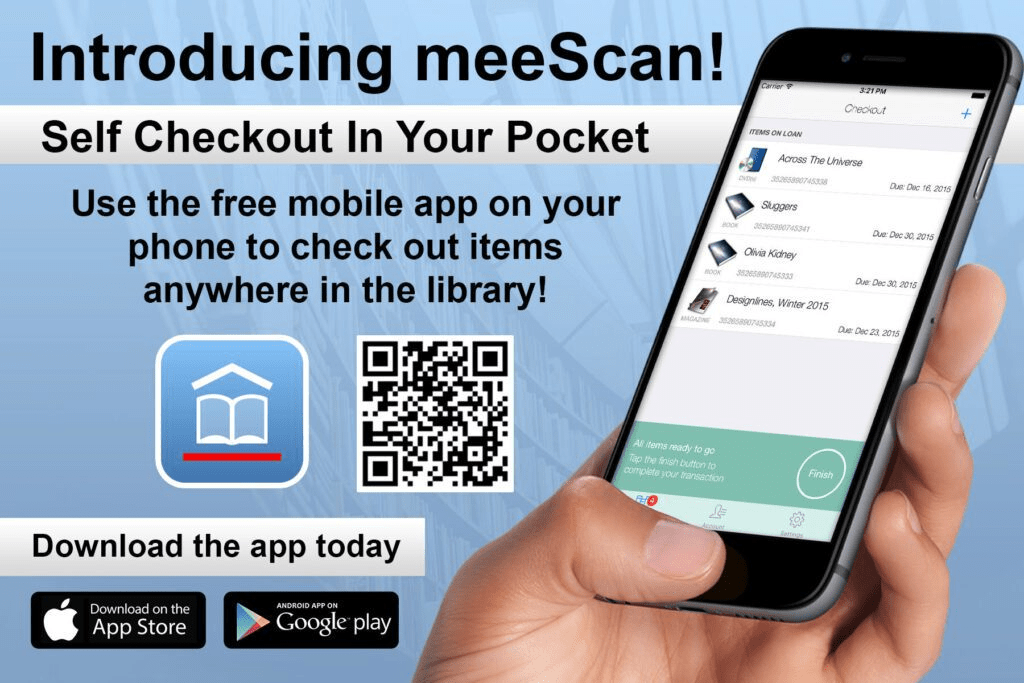
If you’ve ever seen a librarian at Russell pointing their phone at a pile of books, they’re probably using Meescan. We library staff love to find good books and movies while we’re on desk, and when we do we’re the first to check them out. We’re a bit greedy that way, sorry. Using Meescan is so easy that I prefer to use it instead of our computer checkout system even when I’m right in front of a computer.
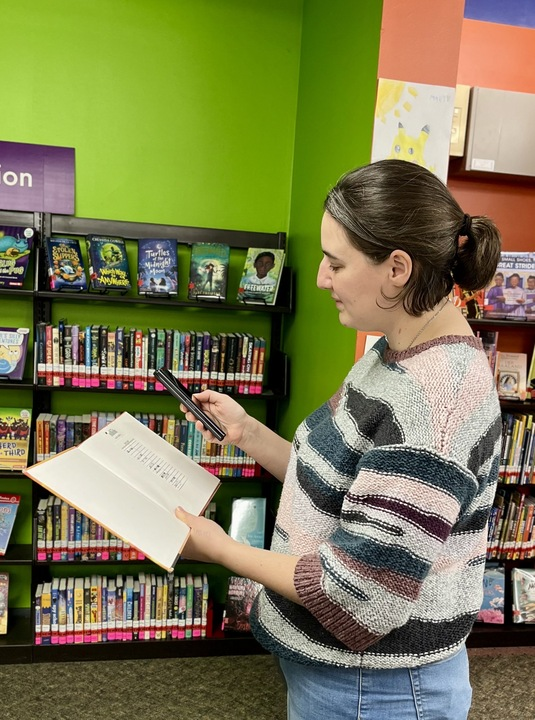
So how does it work? First, you download the Meescan app. If you have an iPhone, you go to the Apple App Store. If you have an Android phone, you go to the Google Play Store. Once you download the app and open it up, you will be asked to enter your library card number. If you have more than one family member with a library card, you can create different profiles for each family member. It’s easy to switch between the different library cards that way.
Next, come to Russell Library and find items you want to check out and take home with you. As long as an item on our shelves has a Russell Library barcode, you can use that barcode to check out the item. You can either check out the items one at a time as you browse our shelves, or you can wait until you’re ready to go home and then check them out. Just make sure that you haven’t left the building before you check the items out. Meescan uses your phone’s precise location to access your account information in our system.
To have a completely mobile experience at Russell Library, don’t forget to sign up for our text alerts. These alerts will tell you when your holds are ready for pick-up. To enable this feature, log into your account through our homepage or through our catalog. From the login page, go to “Edit account”. Enter your mobile phone number. Scroll down to “Hold Pickup Notice Mobile Alerts via SMS” and click “Opt In”. Any library staff member can help you with this if needed.
From this same page, you can also add an email address to your account. Then, you will receive email notices when your items are due back or when they’ve been automatically renewed. At Russell Library, we automatically renew most items up to two times, as long as no one else has a hold on them. If we have your email address, you will be notified a few days before your item’s due date if it’s actually due back on the original date, or if you can keep it longer.
For busy people, these mobile options make Russell Library easier to use than ever.

 The Library Vault
Leave a comment